

Case study · AI product · Concept
StockSenseKnow what to reorder before it runs out.
An AI dashboard for small retailers. It reads past sales and seasons, forecasts demand and suggests what to reorder and when.
- Platform
- Web dashboard
- Services
- AI development, data design
- Deliverables
- Dashboard UI, alerts, forecasting flow, 10 screens
- Project type
- Concept, designed by Brand Revam
StockSense is a concept project made by Brand Revam to show how we design and build AI products. Products, quantities and suppliers on these screens are sample content, not real data.
Never run out of a best seller again.
Small retailers either run out of what sells or tie up cash in stock that does not move. StockSense turns sales history into a short reorder list.
The challenge
Guessing stock levels leads to empty shelves for best sellers and cash tied up in slow items.
The idea
Forecast demand from sales history and season, then turn it into a short list in plain words.
What we designed
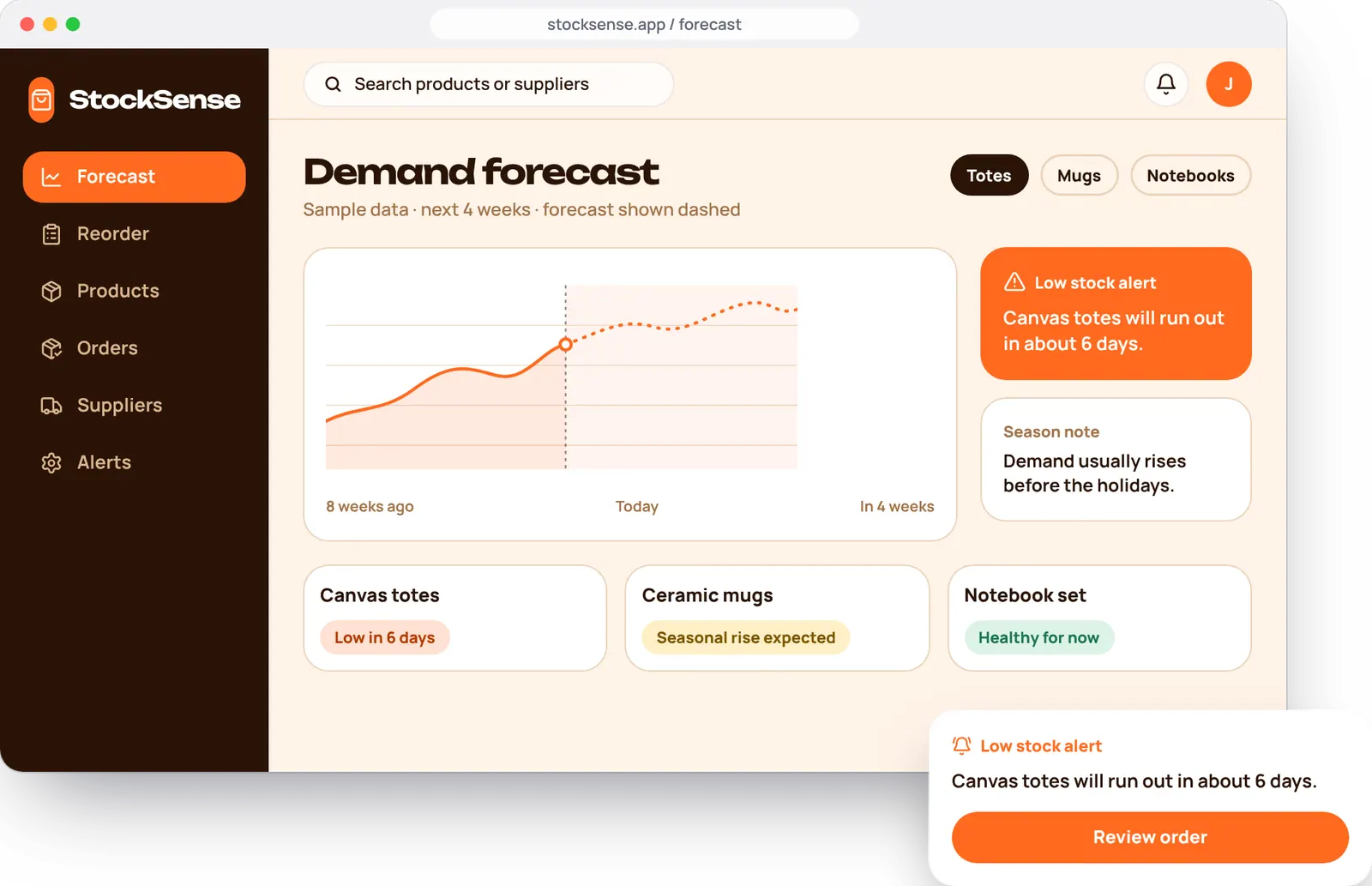
A forecast chart, plain-language alerts, a reorder queue and a calm dashboard that avoids data overload.
Who we designed for
Jon, shop owner
Runs a gift shop and orders stock from a handful of suppliers. An example user we invented, not a real customer.
What they need
- Know what to order and when
- Plan for busy seasons ahead of time
- Keep cash from sitting in slow stock
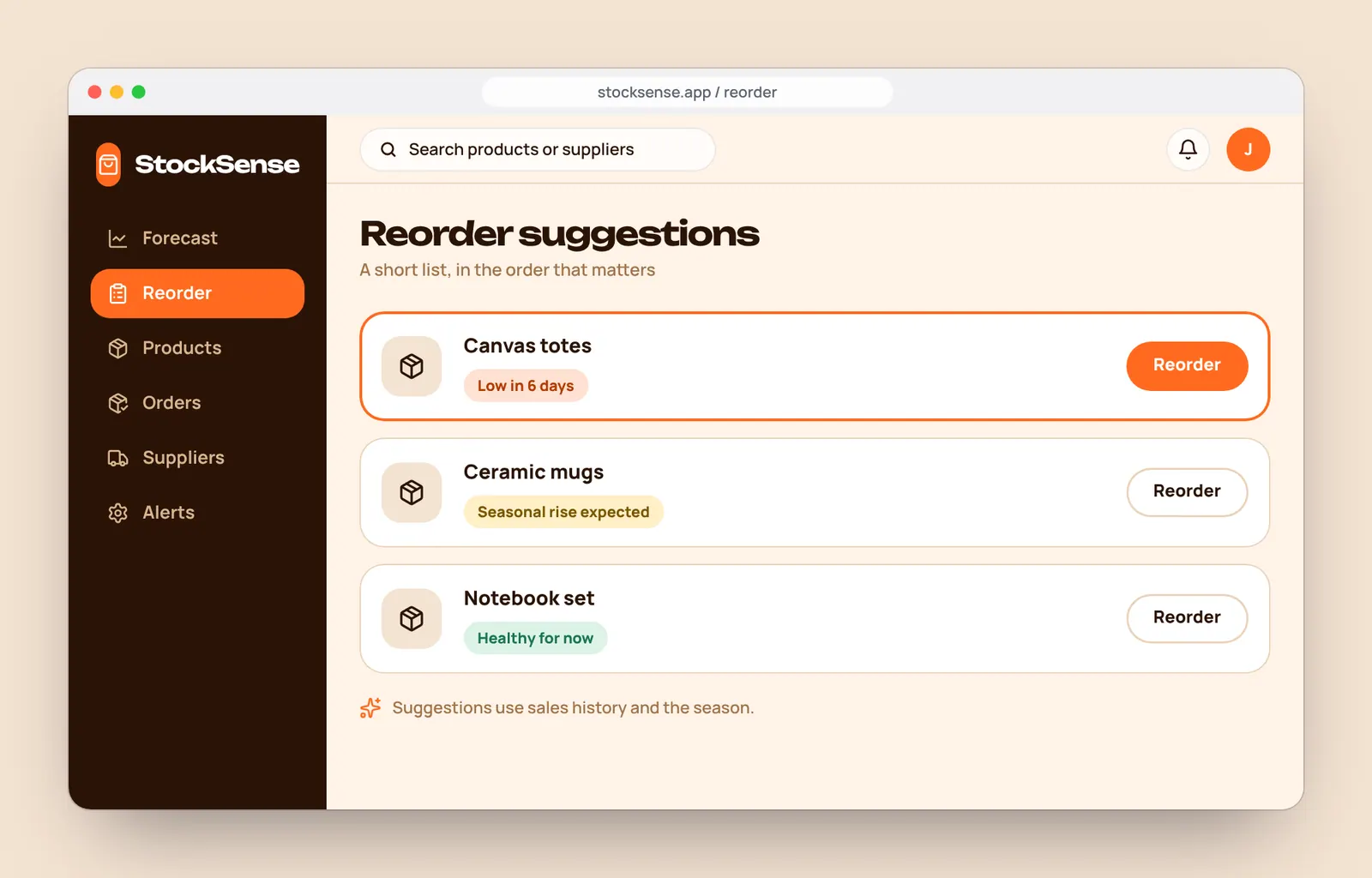
- Reorder in a couple of clicks
What gets in the way
- Spreadsheets that are always out of date
- Running out right before a busy week
- Charts that need an analyst to read
- Suppliers with long delivery times
From a forecast to a sent order.
Four screens take Jon from spotting a risk to placing an order. Swipe to follow it on a phone.
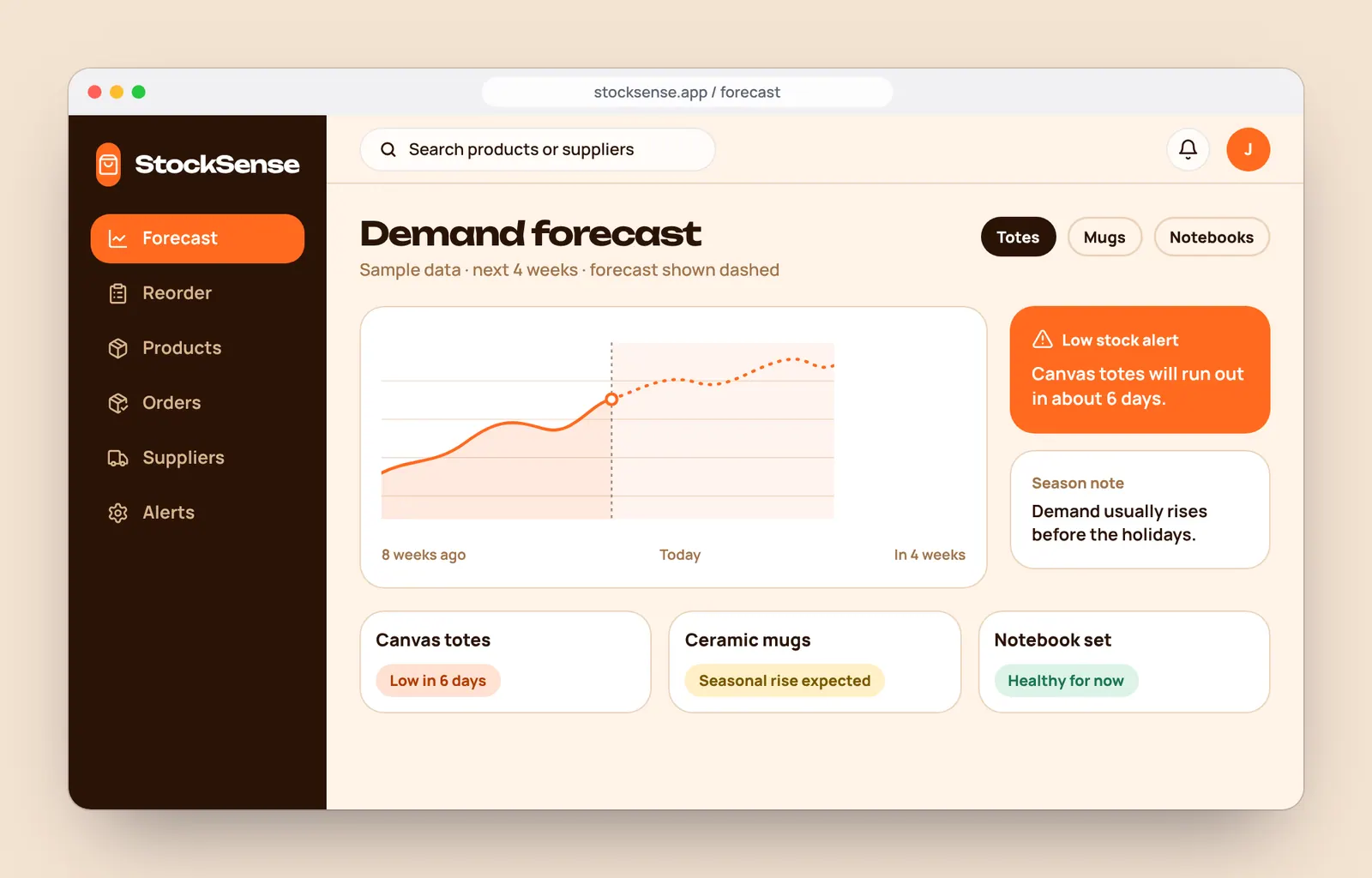
1. See the forecastPast sales, a dashed forecast and the season. 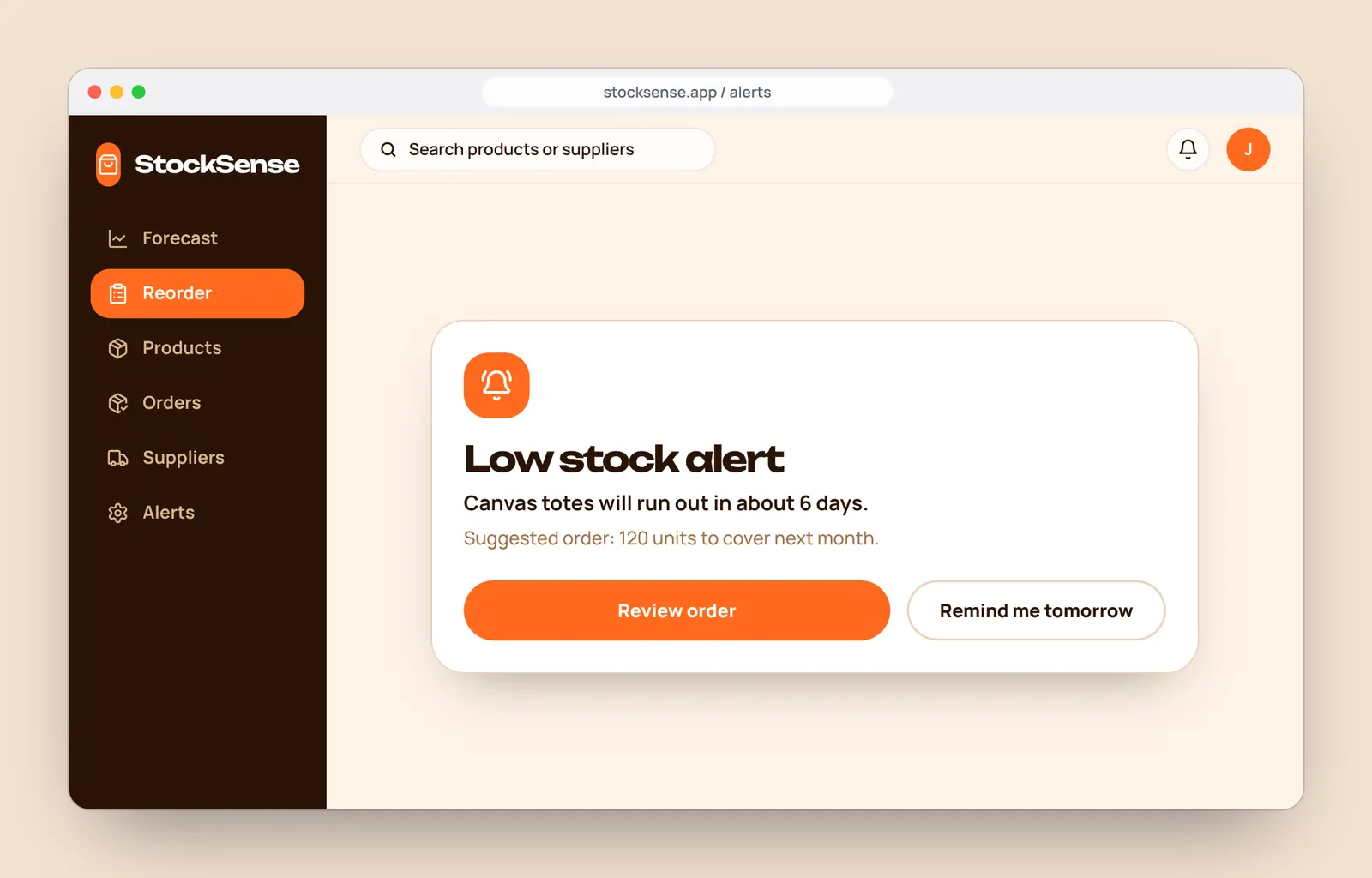
2. Get an alertA plain sentence says what is running low. 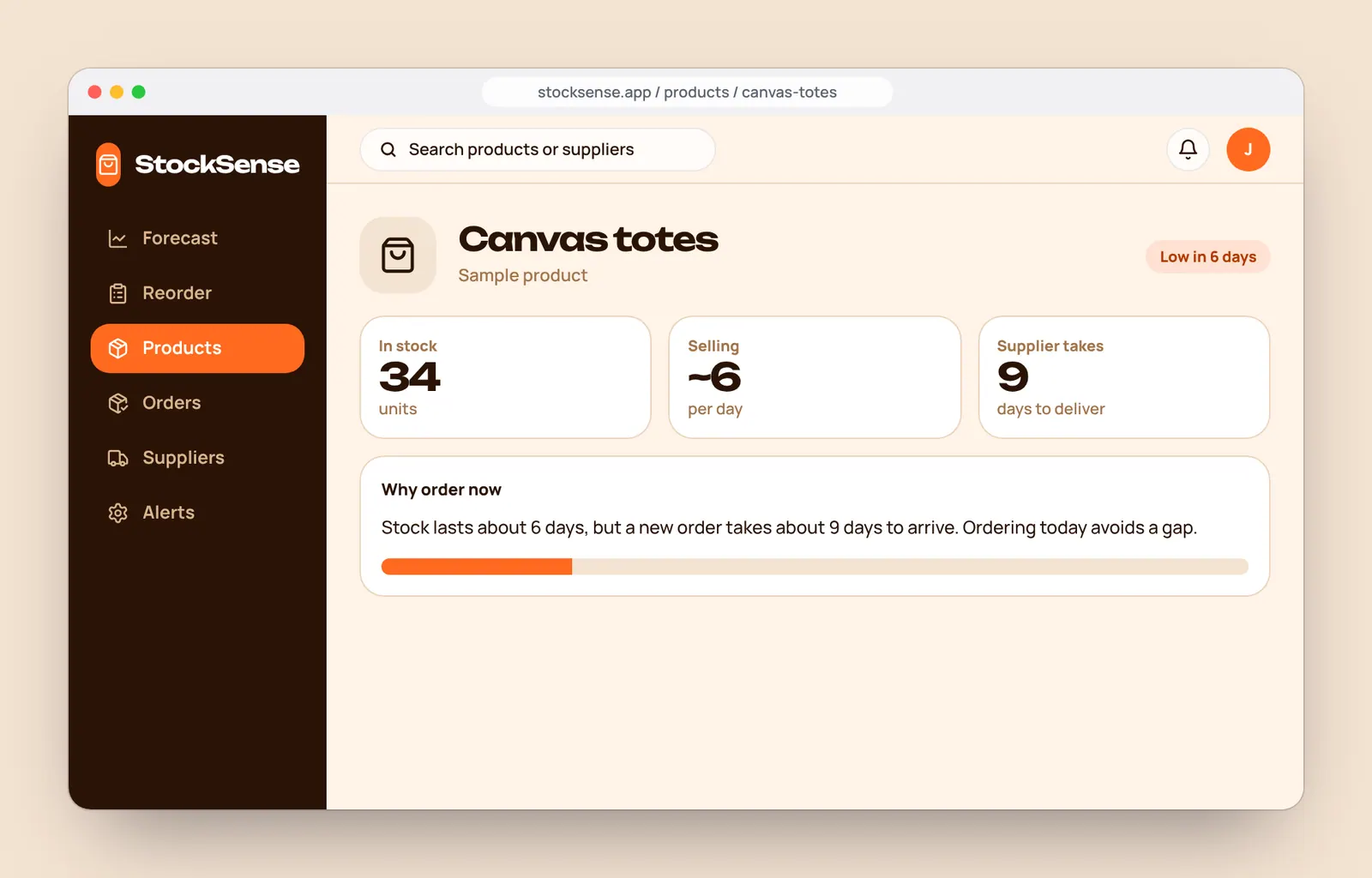
3. Check the reasonStock, speed of sales and delivery time side by side. 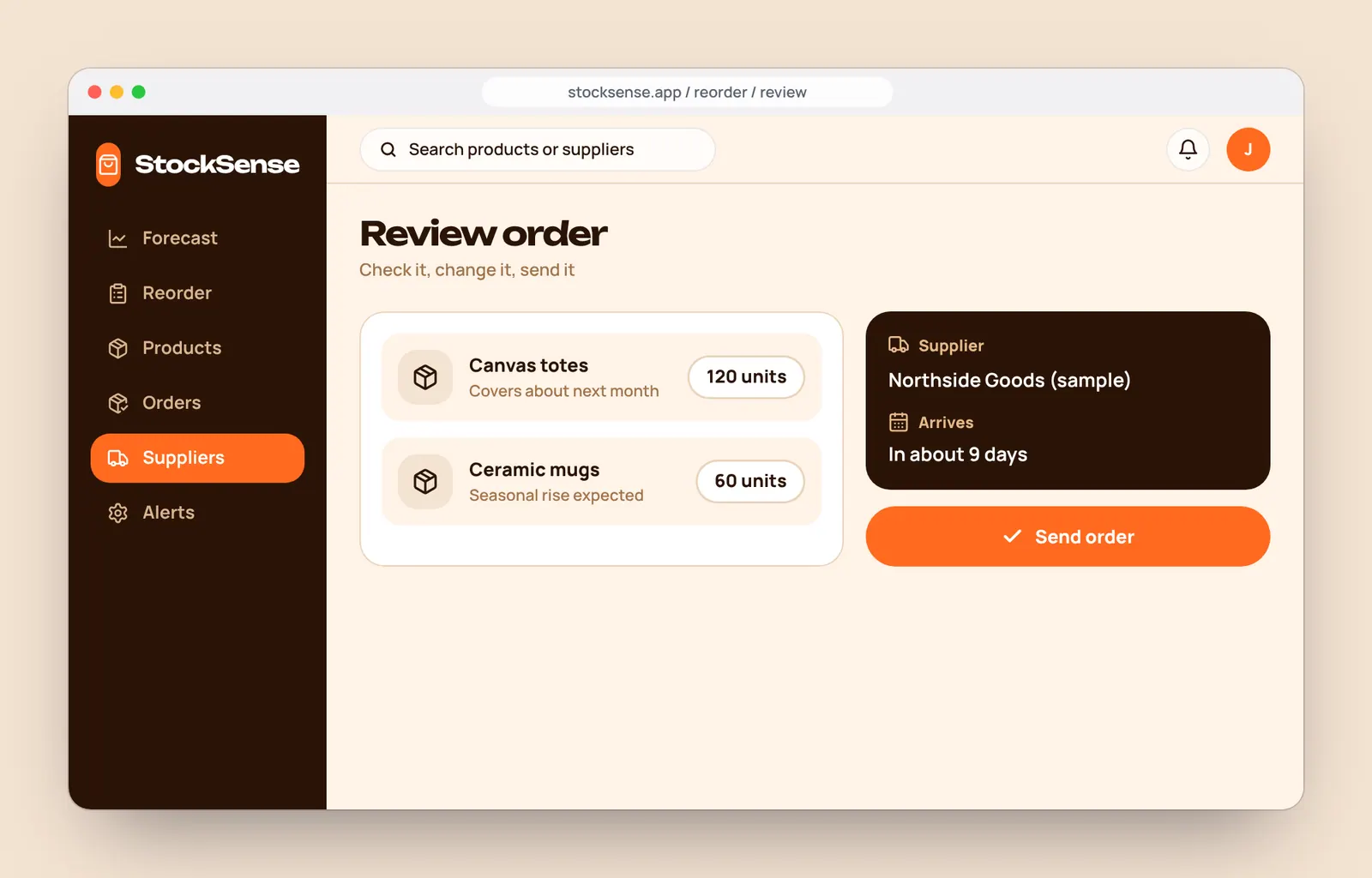
4. Send the orderReview quantities, then send to the supplier.
A warm, calm system that avoids data overload.
Colours, type and components defined once, then reused on every screen. It also makes the product faster to build.
Colour
- Espresso#2A1406Sidebar and headlines
- Ember#FF6A1FPrimary actions and the forecast line
- Cream#FFF3E8App background
- Sand#F4E3D2Panels and icons
- Tan#E7B98AHighlights on dark
- Line#EBD3BABorders
- Leaf#2E9E6BHealthy stock
- Cocoa#A1744BSupporting text
Display type: Unbounded
AaReorder 120 totes.Body type: Manrope
AaComponents
Browse the product.
Pick a screen to follow the path from a forecast to a sent order.
Try it: choose a screen
Forecast
Sales history, a dashed forecast and three product tags.
All the screens.
Ten designed screens, grouped by task. All products, quantities and suppliers are sample content.
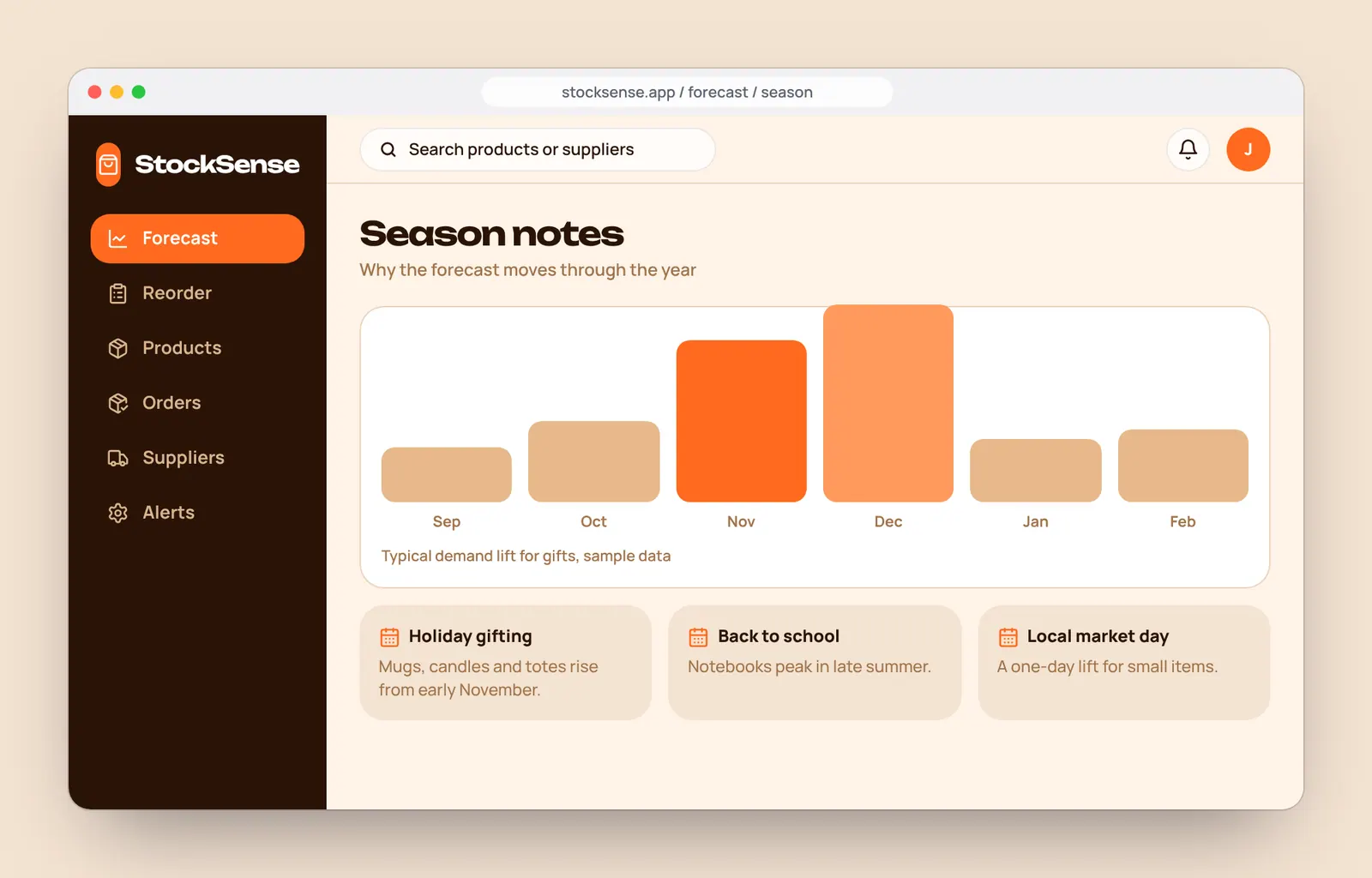
See what is coming
Forecasts, season notes and alerts written for people, not analysts.
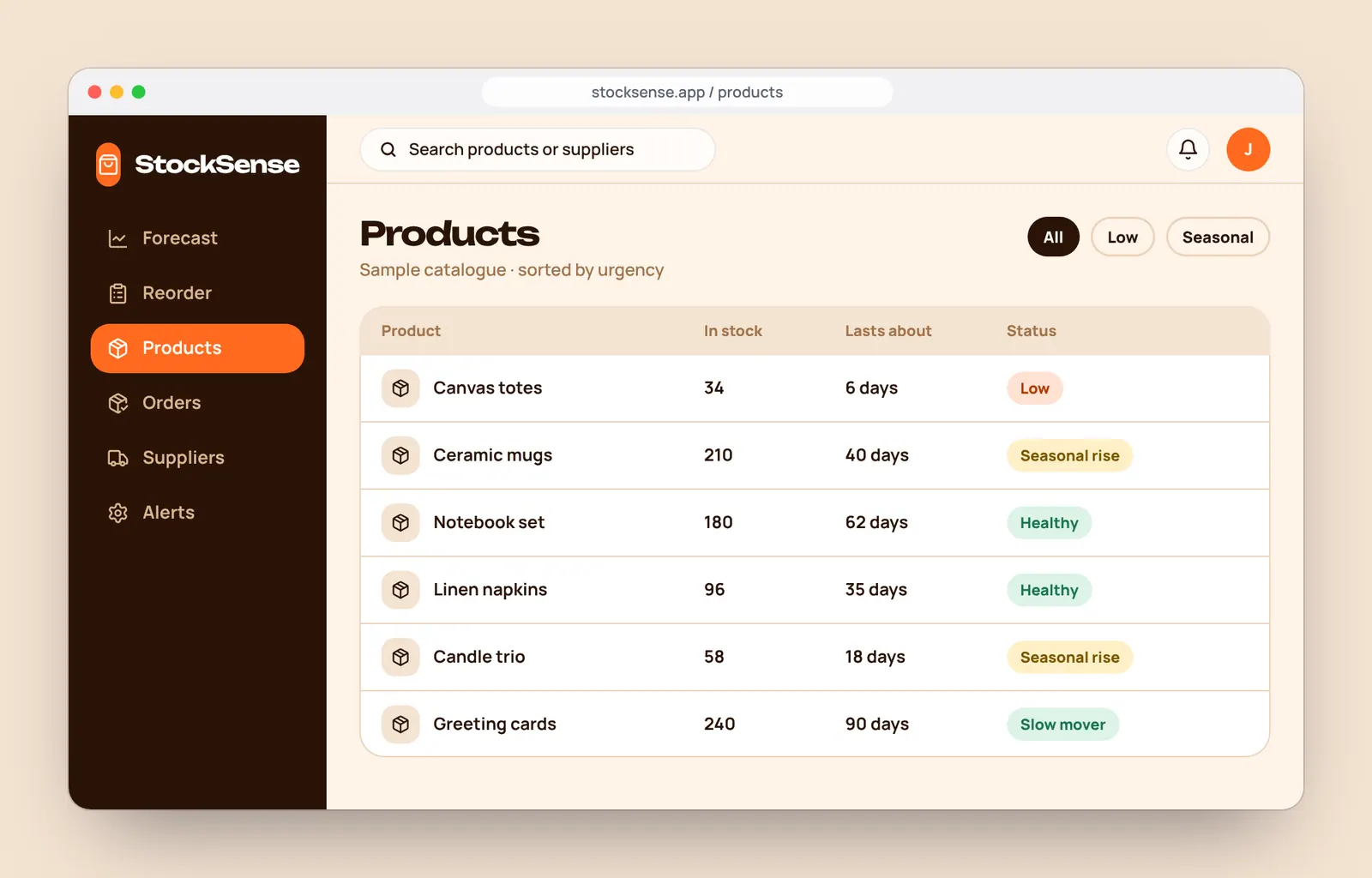
Know your stock
Every product and the reason behind each suggestion.
Order with confidence
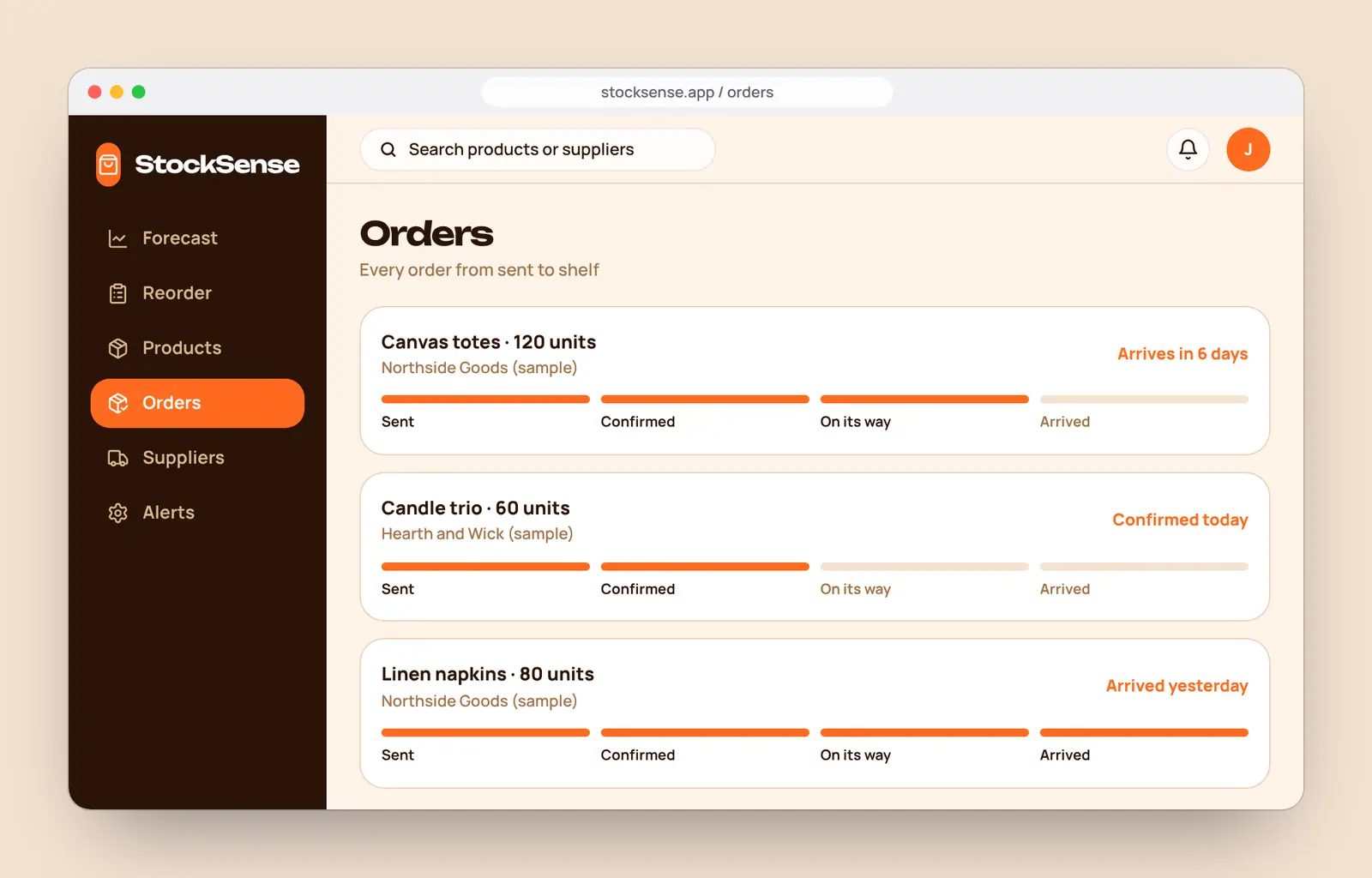
A short queue, a review step, and tracking until it arrives.
Suppliers and alerts
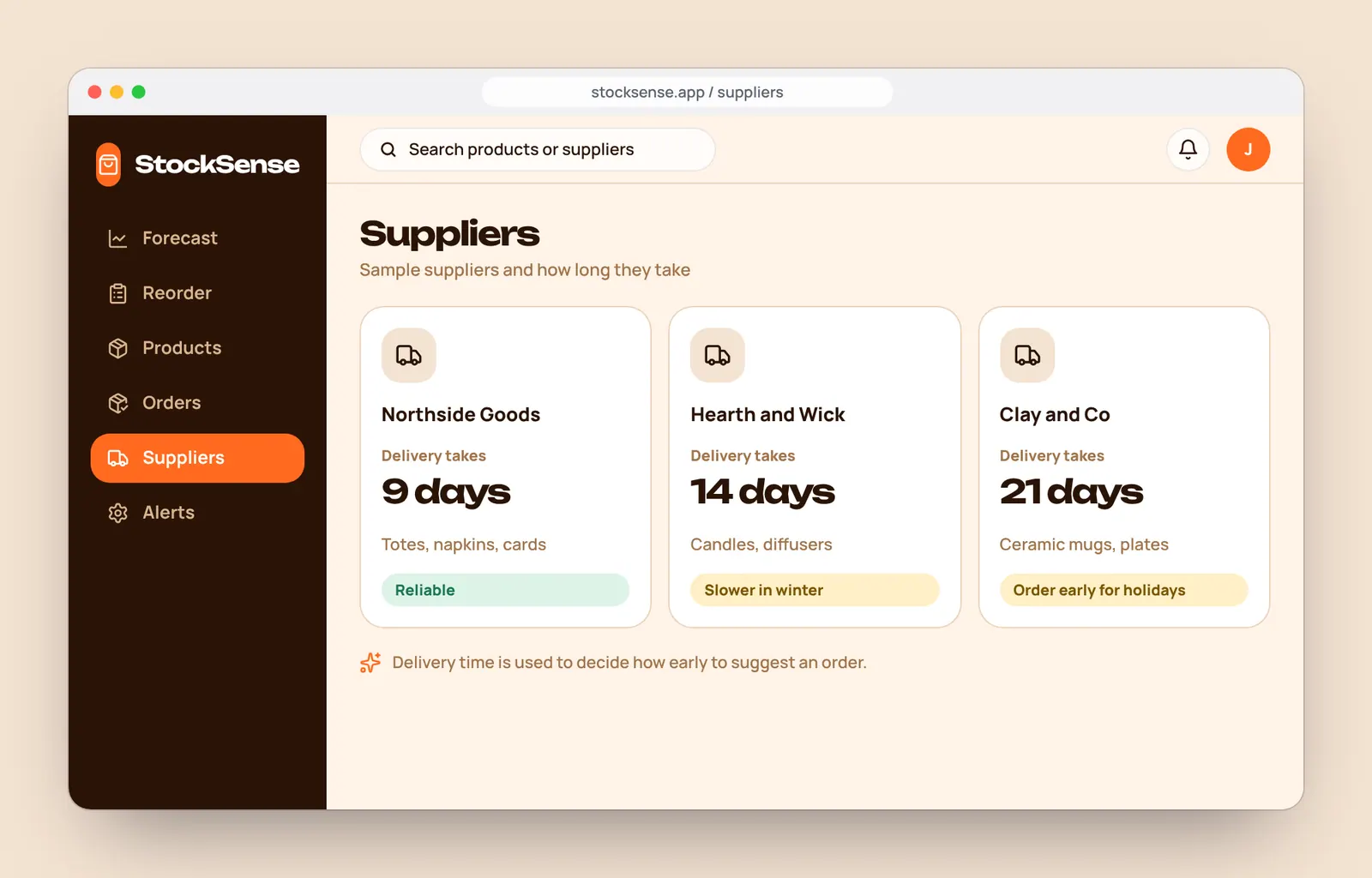
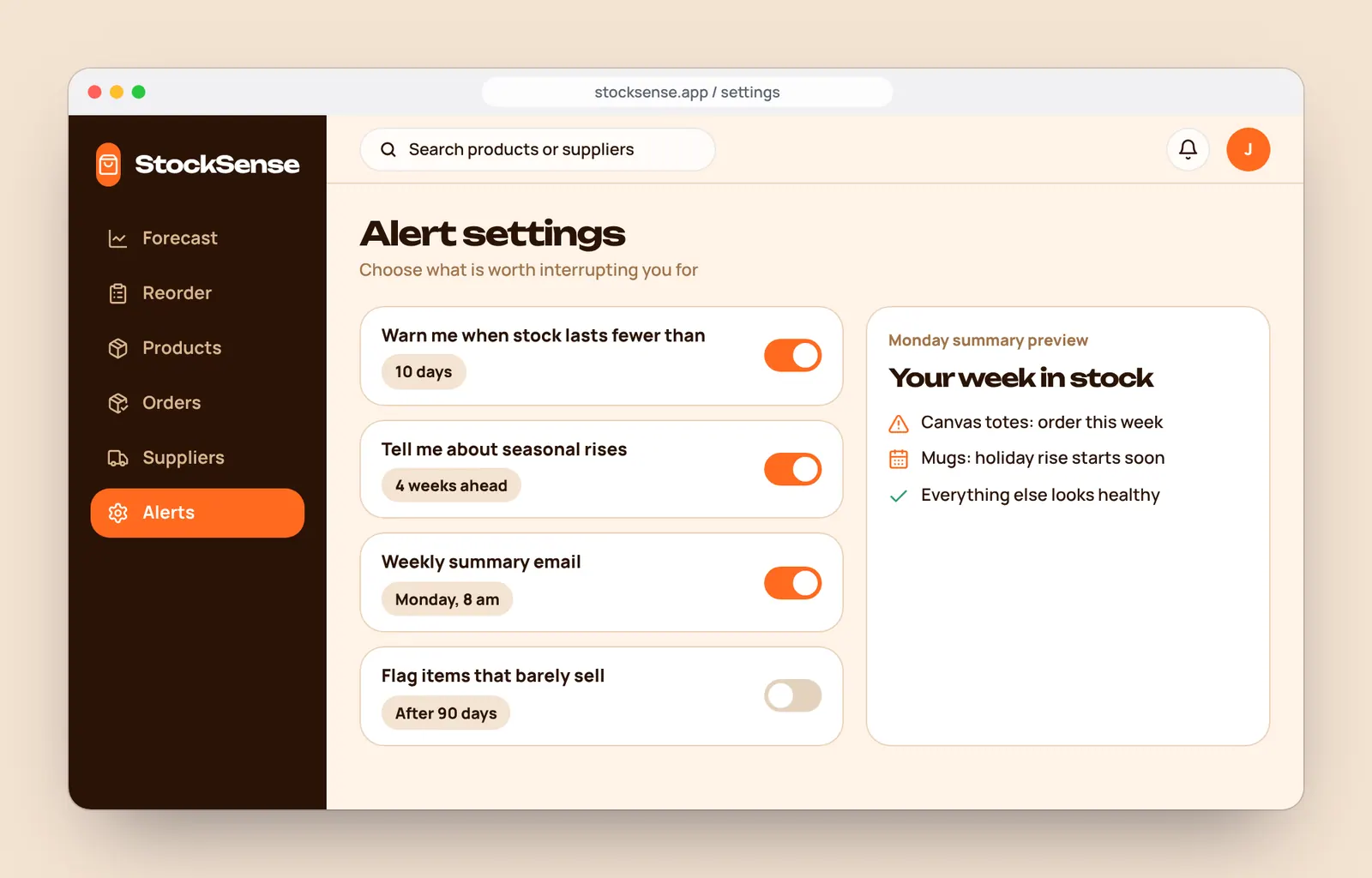
Who delivers how fast, and what is worth an interruption.
Small decisions that add up.
The details we paid attention to on every screen.
Forecast shown dashed
Solid lines are facts, dashed lines are predictions, so nobody mistakes a guess for history.
Alerts in plain words
No codes or jargon. Each alert says what is low, when, and what to do.
Season-aware
Holidays and busy periods are part of every forecast and explained in a line.
Delivery time counted
Suggestions allow for how long a supplier takes, so orders land in time.
Cash-friendly
Healthy items are left alone, so money is not tied up in stock that does not move.
Review before sending
AI suggests, a person decides. Every order can be edited before it goes.
A clear plan for building it.
- 10 screens for the forecast and ordering flow
- Alert and reorder logic mapped out
- A UI kit developers can build from
- A clickable prototype for shop owners to try
Let's build your next website.
Fill in the short brief and we will reply with a few questions, a rough timeline and a clear next step. No pressure and no jargon.